Grok can read and update your tasks from any chat. Ask what's due and it answers from your real tasks. Ask it to keep track of something it found on X or the web, and it becomes a task with a day on it.
No API key and no config. One URL, then a sign-in.
Connect
-
Open grok.com/connectors.
-
Select New Connector, then Custom.
-
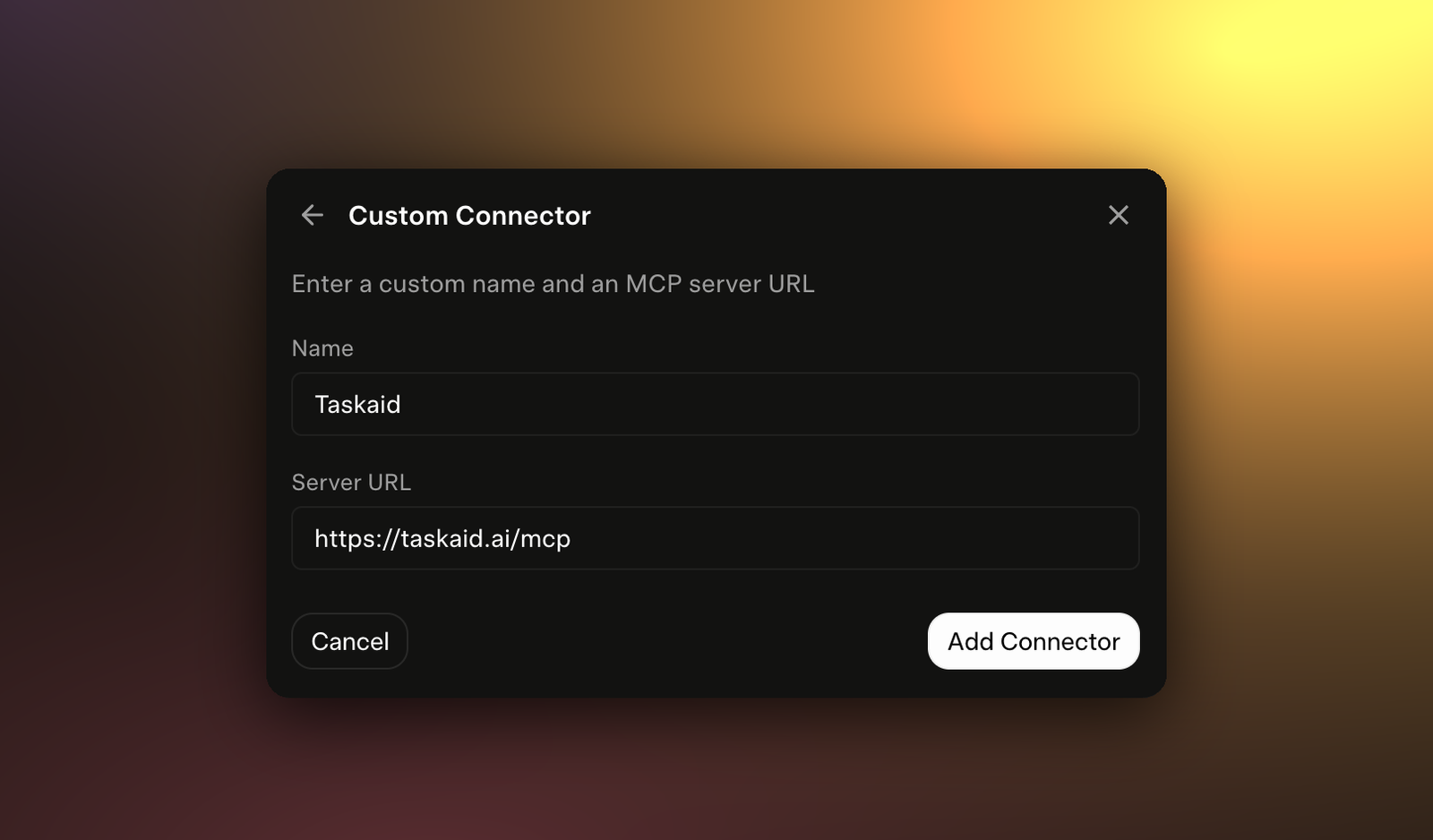
Enter
Taskaidas the Name and paste this as the Server URL:https://taskaid.ai/mcp -
Select Add Connector.
-
Sign in to Taskaid in the window that opens, and approve the access you want to grant.
Taskaid registers its own OAuth client, so there's no key, header or client ID to enter.
Try it
- "What's on my plate today, and what's overdue?"
- "Check what people are saying on X about our launch, and add anything worth answering as tasks for tomorrow."
- "Move everything I didn't finish today to tomorrow morning."
- "Read TASKAID-45 and tell me where it stands."
Taskaid is switched on for new chats. To check, or to turn it off for one chat, open the + menu and choose Connectors. More starting points on the Assistants page.
What Grok can do
Grok works with your tasks as part of the conversation. Taskaid has no delete tool, so Grok cannot delete anything even if you ask it to, and every task it creates records Grok as where it came from.
Every action runs as your own account, limited to what you approved, and your data is never used to train AI models. For the tools themselves see the MCP server reference, and our Privacy Policy and Terms of Service for everything else.
Manage or disconnect
At grok.com/connectors, select Taskaid and choose Disconnect. That removes the connector from Grok but leaves its access in place, so also open Settings in Taskaid and disconnect Grok under Connected apps.
Troubleshooting
"This name is already taken." You already have a connector called Taskaid. Open it and choose Reauthenticate, or disconnect it and add it again.
Nothing opens when you select Add Connector. Grok signs you in through a pop-up window. Allow pop-ups for grok.com and try again.
Grok asks you to sign in again, or Taskaid stops answering. Your access token expired or was revoked. Open the connector and choose Reauthenticate.
Grok doesn't use Taskaid in a chat. Open the + menu, choose Connectors, and check Taskaid is switched on.